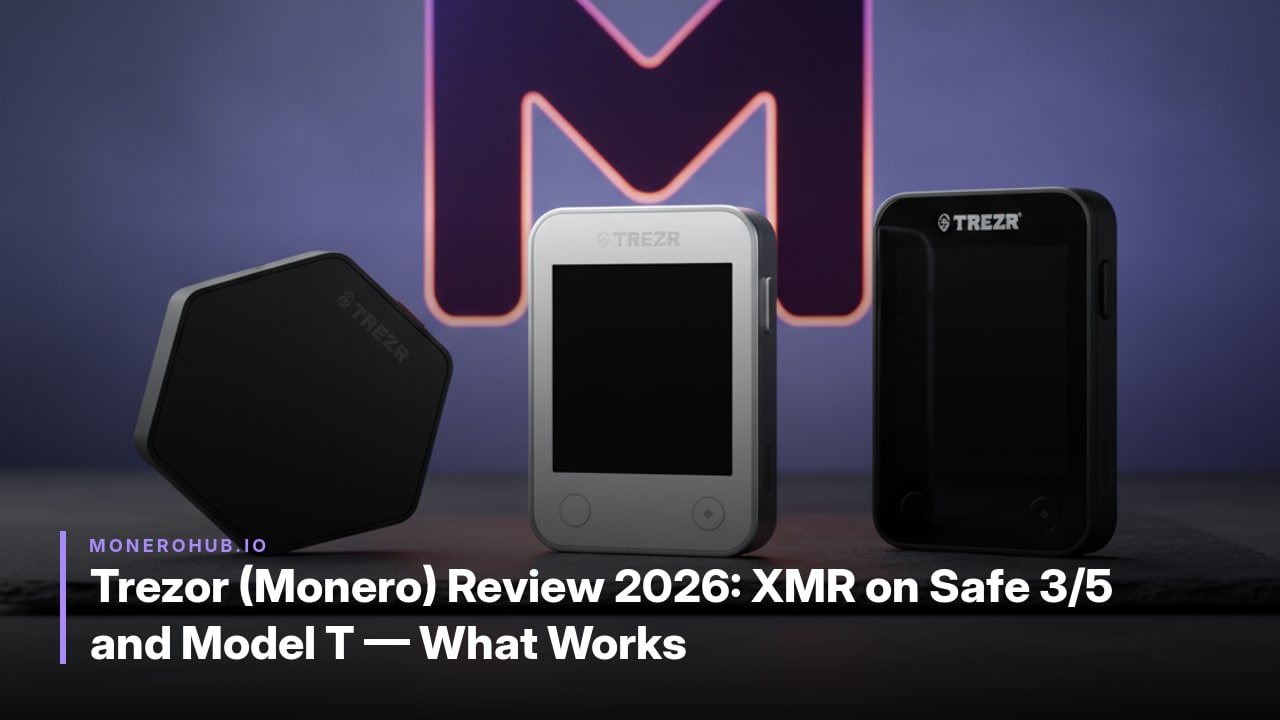
Detailed 2026 review of Monero support on Trezor Safe 3, Safe 5 and Model T, covering third-party wallet integration, recovery limits and what actually functions today.
As of the Trezor documentation update on 2026-09-30, Monero receives support on the Trezor Safe 5, Trezor Safe 3, and Trezor Model T. Integration requires the official Monero GUI or Monero CLI wallets; Trezor Suite offers no native support. The supported-assets page updated 2026-10-01 confirms that send, receive, and swap functions route exclusively through these third-party tools.
The Trezor Safe 7 remains non-functional for practical use. Firmware provides technical support, yet third-party wallet apps have not implemented compatibility, and the documentation notes that the page will update when information becomes available.
Exodus Monero support has ended, directing former users to the Monero GUI or CLI. Trezor firmware implements the cold-wallet signing protocol and Bulletproofs, with keys derived via SLIP-10. Multiple Trezor devices remain compatible with each other for Monero recovery.
Trezor firmware implements the Monero cold-wallet signing protocol. The device receives an unsigned transaction from the connected Monero GUI or CLI, performs all cryptographic operations internally, and returns only the completed signature. No private keys ever leave the hardware.
Bulletproofs receive native support, so range proofs and confidential transaction elements are generated directly on the Trezor without requiring additional host-side computation.
Monero keys are derived via SLIP-10 rather than BIP39 or SLIP-39. Monero’s address and key construction demands deterministic paths that differ from Bitcoin-style standards, making SLIP-10 the required method. This produces seeds that most third-party Monero wallets cannot import using a standard mnemonic phrase.
Recovery works without issue between any combination of supported Trezor models. When users attempt to move a Trezor-generated seed into non-Trezor software wallets, the SLIP-10 derivation creates compatibility limits that typically block direct restore. Affected users must either continue using a Trezor device or export keys through the original setup process rather than relying on the seed phrase alone.
Connecting a supported Trezor device to the official Monero wallets requires selecting the hardware option during wallet creation and ensuring the device firmware implements the required cold-wallet signing protocol.
--hw-device flag and specify “trezor” as the device type.Both interfaces route all signing through the Trezor; no Monero keys ever leave the device. Users must keep firmware current through Trezor Suite before first use, as older versions lack full Bulletproofs support required by current Monero releases.
| Feature | Safe 3 | Safe 5 | Model T |
|---|---|---|---|
| Monero support status | Supported via third-party wallets | Supported via third-party wallets | Supported via third-party wallets |
| Required wallet software | Monero GUI or CLI | Monero GUI or CLI | Monero GUI or CLI |
| Recovery behaviour | SLIP-10 derivation; compatible across Trezor devices | SLIP-10 derivation; compatible across Trezor devices | SLIP-10 derivation; compatible across Trezor devices |
| Firmware handling | Implements cold-wallet signing and Bulletproofs | Implements cold-wallet signing and Bulletproofs | Implements cold-wallet signing and Bulletproofs |
Official Trezor documentation lists the three models equivalently with no documented differences in Monero firmware handling or recovery flow.
Trezor uses the SLIP-10 derivation standard for Monero keys rather than BIP39 or SLIP-39. This choice satisfies Monero’s cryptographic requirements but means a seed phrase generated on one Trezor cannot be imported directly into most non-Trezor Monero wallets. Restoration therefore stays limited to Trezor hardware or other devices that also implement SLIP-10 for XMR.
Cross-device recovery works between the Safe 3, Safe 5 and Model T because each model follows the same SLIP-10 path. A user can move the seed to any of these three devices and regain full access to the same Monero accounts without re-scanning the chain from genesis. The process still requires the Monero GUI or CLI to complete the restore, since Trezor Suite provides no native Monero support.
Privacy trade-offs appear at two points. First, every transaction signing step occurs inside third-party wallet software; any bug or logging in that software can expose view keys or transaction metadata. Second, the Monero GUI and CLI connect by default to public clearnet nodes. Node operators therefore see the user’s IP address during transaction broadcast and wallet refresh, creating a direct link between the Trezor-controlled outputs and an observable network address. Running a personal node over Tor or I2P removes this exposure but adds setup steps the hardware wallet itself does not automate.
Exodus Monero support has ended. Former users must switch to the official Monero GUI or Monero CLI wallets, which continue to integrate with Trezor Safe 3, Safe 5 and Model T devices.
As of the 2026-09-30 documentation update, Monero remains unsupported in practice on the Safe 7. Firmware-level compatibility exists but third-party wallet applications have not yet implemented it; the page will be updated when that changes.
Trezor derives Monero keys via SLIP-10 rather than BIP39. This creates recovery compatibility problems when attempting to restore a Trezor-generated Monero wallet in non-Trezor software.
No. Monero requires third-party applications. Trezor Suite does not provide native support, and all send, receive and swap operations route through Monero GUI or CLI.
Yes. Multiple Trezor devices remain compatible with each other for Monero recovery, allowing the same wallet to be restored on Safe 3, Safe 5 or Model T hardware.
The official supported-assets page lists Monero under “some Trezor models” and explicitly routes users to third-party wallets rather than claiming native functionality.